The 5-Minute “If This, Then That” Rule
How to teach your business to think for itself
You don’t have to be a coder to make your business run on autopilot.
You just need one simple formula:
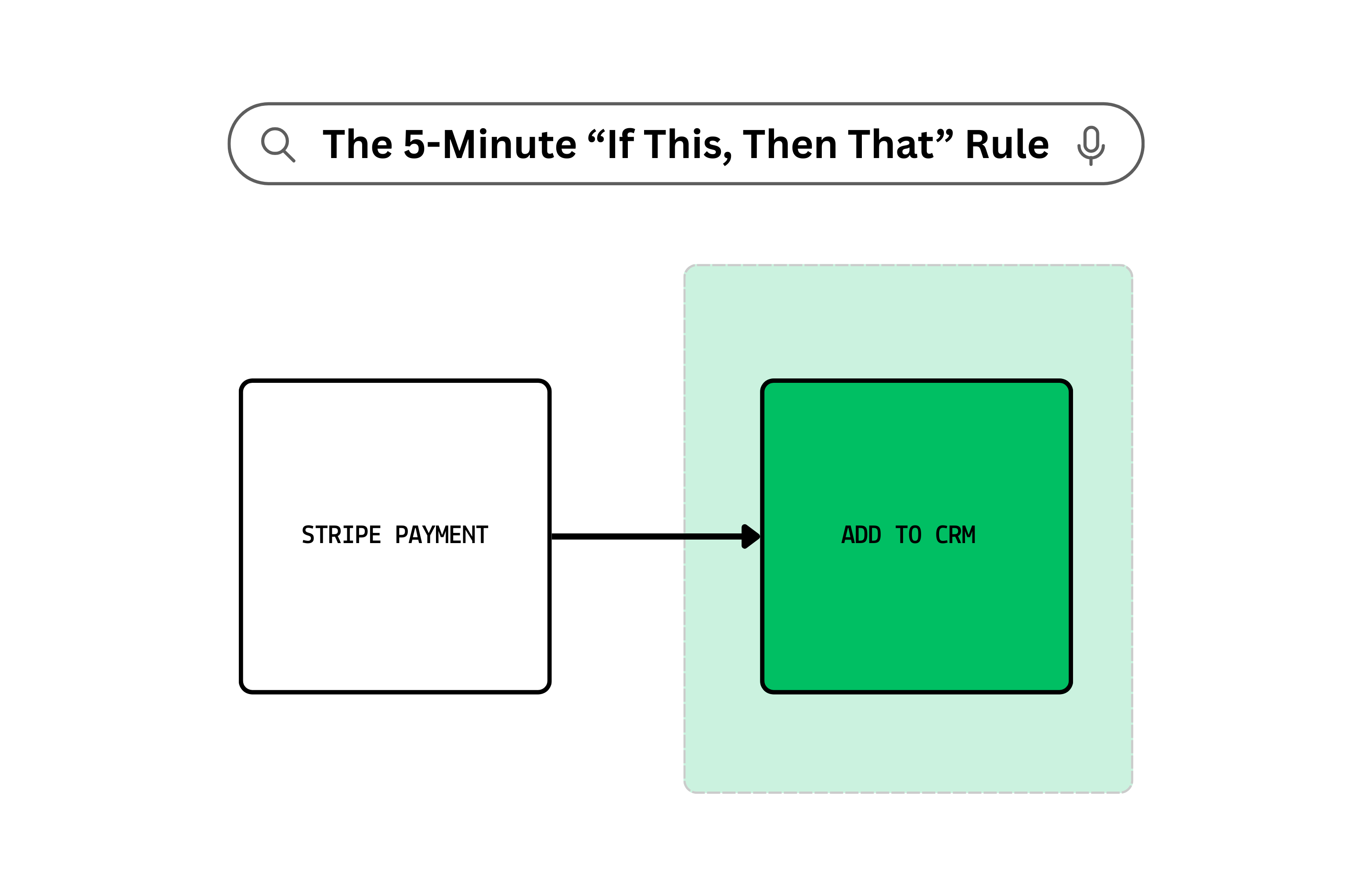
If THIS happens → Then THAT happens.
It’s the logic behind almost every automation you’ll ever set up.
If a lead fills out your form → Send them a welcome email.
If a file is added to a folder → Back it up somewhere else.
If a payment is received → Send the receipt and a thank-you note.
Once you start thinking in “If This, Then That” (ITTT) terms, the whole world becomes automatable.
Why It Works
This rule removes you from being the middleman.
Instead of remembering, checking, or manually reacting to something, you let a system do it instantly — every single time.
You’re building triggers (the “If This” part) and actions (the “Then That” part).
That’s it. Two moving parts. Zero brain strain.
How to Set Up Your First ITTT Automation (in 5 Minutes)
We’ll use Make.com here — it’s flexible, visual, and beginner-friendly.
Step 1: Pick your trigger (IF THIS…)
Example: “When I get a new email in Gmail with an attachment.”
Step 2: Pick your action (THEN THAT…)
Example: “Save the attachment to my Dropbox ‘Invoices’ folder.”
Step 3: Connect your accounts
Make will walk you through logging into Gmail and Dropbox.
Step 4: Test it
Send yourself an email with a fake invoice attached.
Make should whisk it into Dropbox automatically.
Step 5: Turn it on and forget it
From now on, you’ve removed one small but constant task from your plate.
Pro Tip
Stack your automations.
Example:
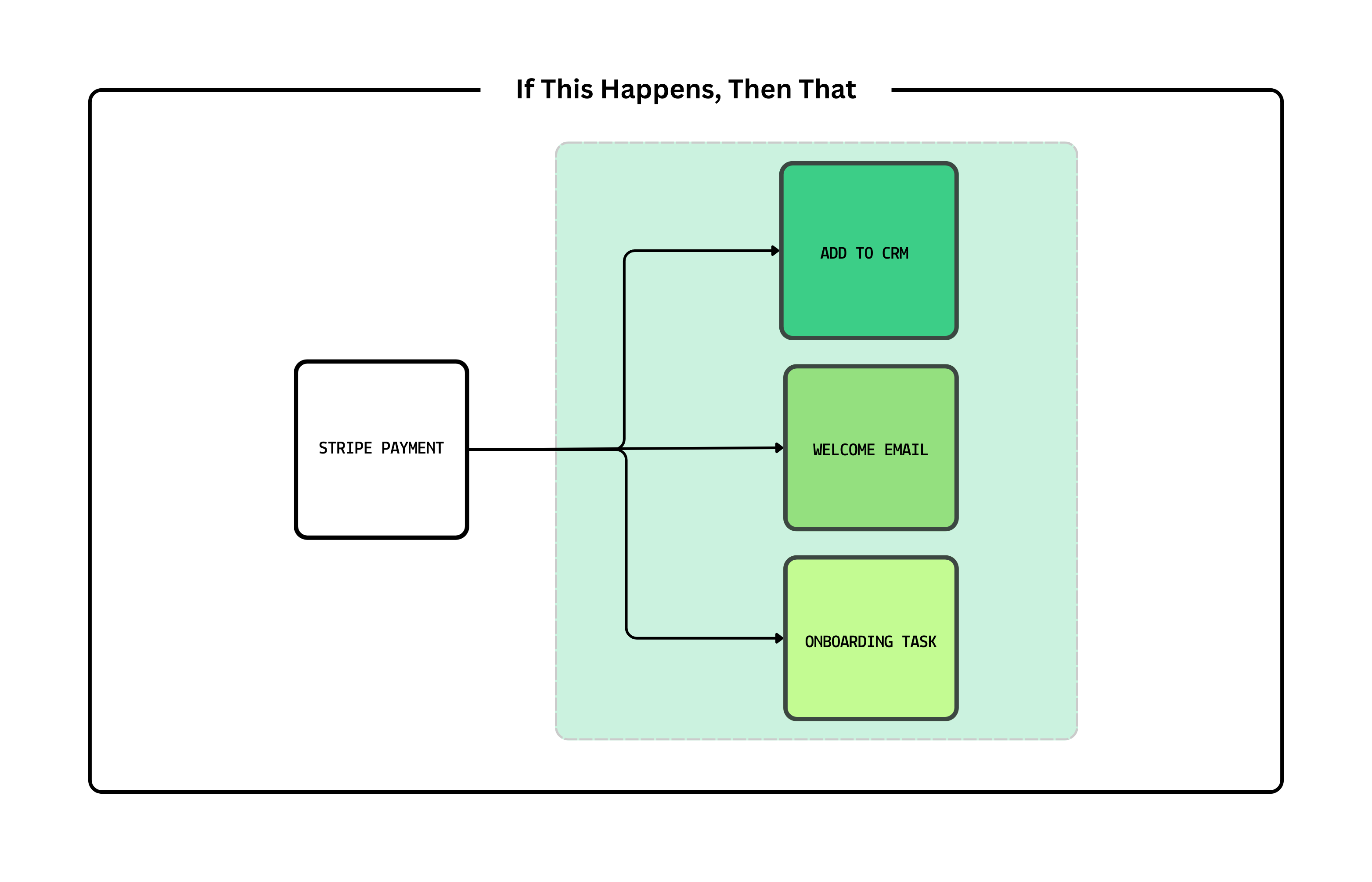
IF new payment in Stripe → THEN add customer to CRM → THEN send welcome email → THEN create onboarding task in Asana.
One trigger, multiple dominoes.
This week’s challenge:
Pick one repetitive thing you did today. Write it as:
“If THIS happens → Then THAT happens.”
Then go make it real in Make.com.
Your business will start running smoother before your coffee even cools.